Google Calendar integration in Caldasa
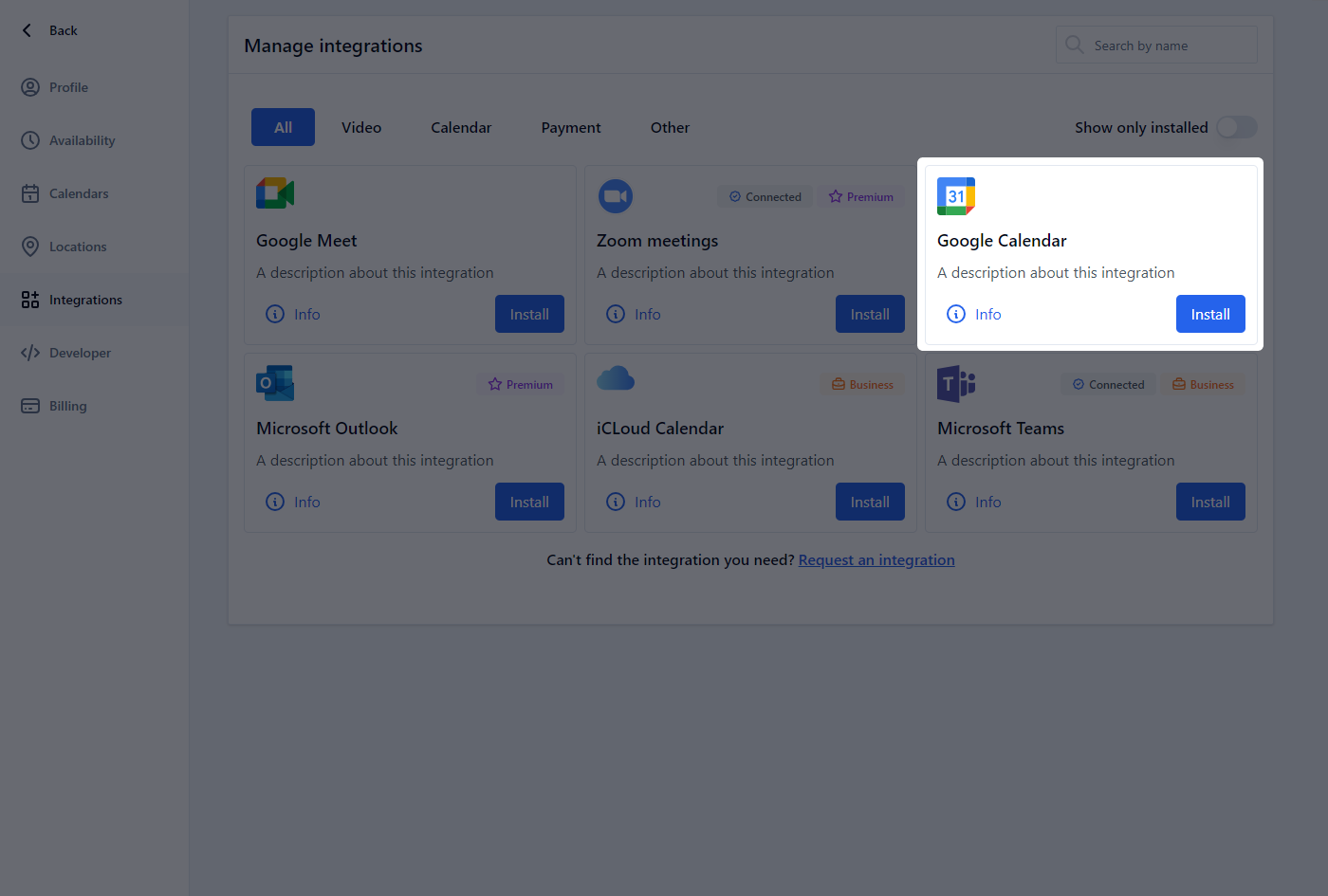
Integrating Google Calendar with Caldasa allows for real-time synchronization of your schedule, ensuring efficient management of your appointments and availability.
Adding Google Calendar to Caldasa
- In Caldasa, navigate to the integrations section.
- Select Google Calendar from the list of available integrations.
- Complete the OAuth process to link your Google Calendar with Caldasa.
Usage
- Automatic Synchronization: Your Google Calendar events are automatically synced with Caldasa, providing an up-to-date view of your availability.
- Conflict Management: Caldasa checks your Google Calendar to avoid double-booking, ensuring a smooth scheduling experience.
Removing the Integration
- Go to the integrations section in Caldasa.
- Find and select Google Calendar.
- Choose to disconnect or remove the integration.
Note: Removing this integration stops the syncing of your Google Calendar with Caldasa.
Contact Support
For support regarding Google Calendar integration: