Introduction to Caldasa
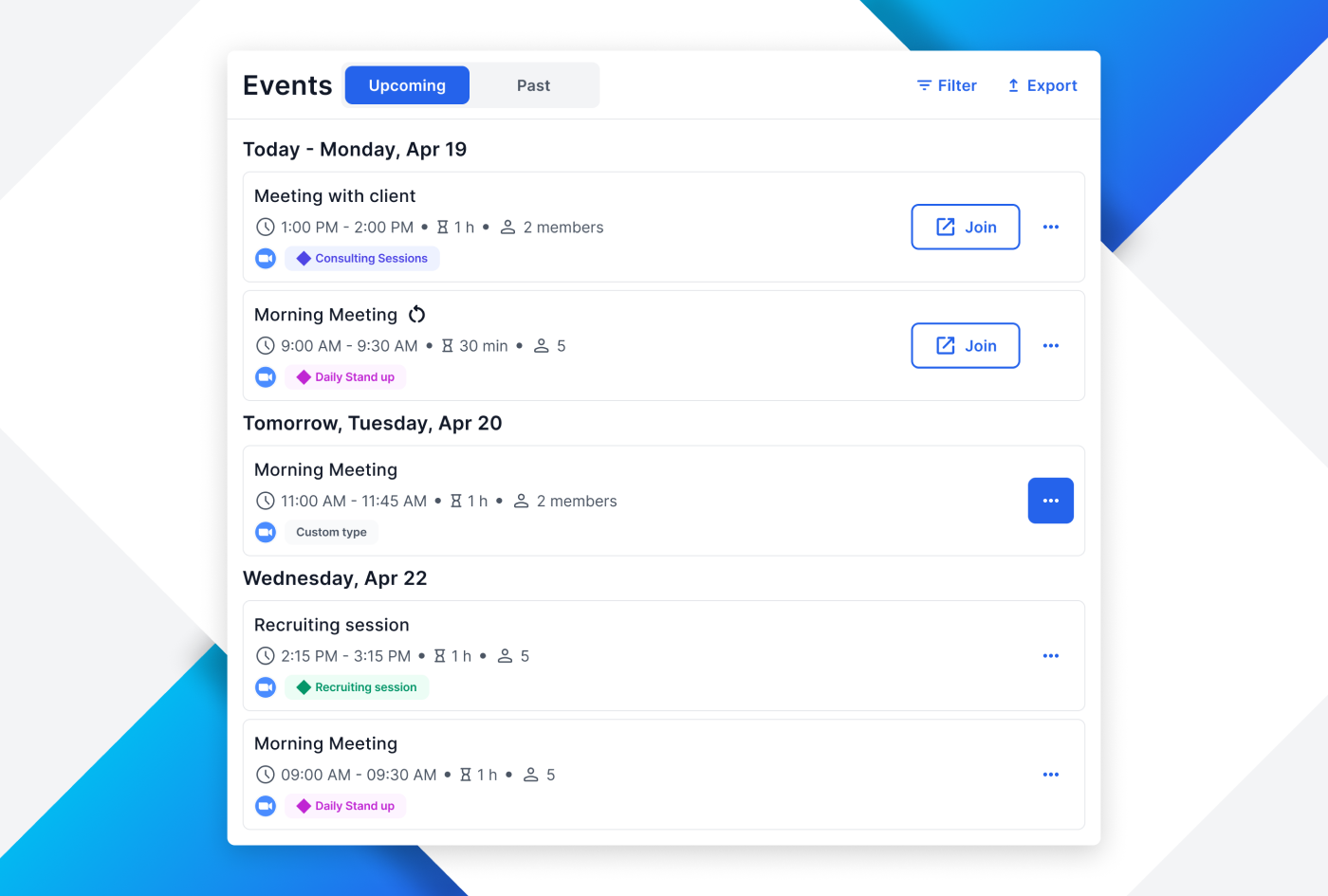
Welcome to the official documentation of Caldasa, the intuitive and efficient meeting scheduling application designed to streamline your appointment management. Whether you are a first-time user or looking to discover more advanced features, this guide will provide you with all the necessary information to make the most out of Caldasa.
Getting Started
Caldasa offers a user-friendly interface, allowing you to schedule, manage, and customize your meetings effortlessly. In this section, you’ll learn how to set up your account, navigate through the app, and start scheduling your first meetings.
Features at a Glance
- Easy Scheduling: Create and manage meetings with just a few clicks.
- Calendar Integration: Sync with your existing calendars for seamless scheduling.
- Time Zone Intelligence: Automatically adjusts meeting times for participants in different time zones.
- Customizable Reminders: Set up alerts to ensure you never miss a meeting.
- Team Collaboration: Share calendars and schedule meetings on behalf of your team.
Navigating Through the App
This guide provides a detailed walkthrough of Caldasa’s interface, highlighting key functionalities and how to access them. Learn about the dashboard, calendar views, and various settings to personalize your scheduling experience.
Support and Assistance
Need help or have questions? Our dedicated support team is always here to assist you. Refer to the ‘Support’ section for contact details and frequently asked questions.
Thank you for choosing Caldasa as your meeting scheduling partner. Let’s get started!
Caldasa - Simplifying Scheduling, One Meeting at a Time.